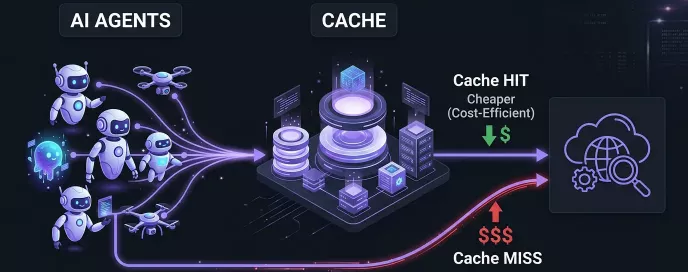
Building AI-enhanced SOC tooling is now pretty straightforward, and plenty of companies are rolling their own. What started as chatbot assistants has grown into semi-autonomous (or sometimes fully autonomous) agents that pull logs, correlate data, enrich indicators, and produce analyst-grade writeups.
All that autonomy comes with a billing problem. Each turn re-sends the entire conversation history to the model. A single 25-turn agentic round can build up a large context that gets re-sent on every API call. At SOC scale — hundreds of incidents a day — the bill adds up fast.
Prompt caching keeps input costs down without giving up visibility into the full history. Here’s how I structured it for Anthropic.
The use case: semi-autonomous SOC investigations
I’ve worked with several SOC-supporting agents and built one of my own. My tool runs investigations autonomously but pauses between rounds, giving the analyst a chance to step in and course-correct. To follow how it works, a few terms are worth keeping straight:
- Block: the smallest unit. A user message, an assistant reply, a thinking step, or a tool call - each is a block.
- Turn: one or more user messages, plus everything the assistant produces until it naturally stops.
- Round: one real user request followed by multiple autonomous agent turns (the agent talks to itself, processing its outputs) before control returns to the analyst.
Rounds give the agent autonomy to pivot between data sources without hand-holding, and give the analyst a natural checkpoint: if a hypothesis goes sideways, discard the whole round and restart with better guidance.
How Anthropic caching works
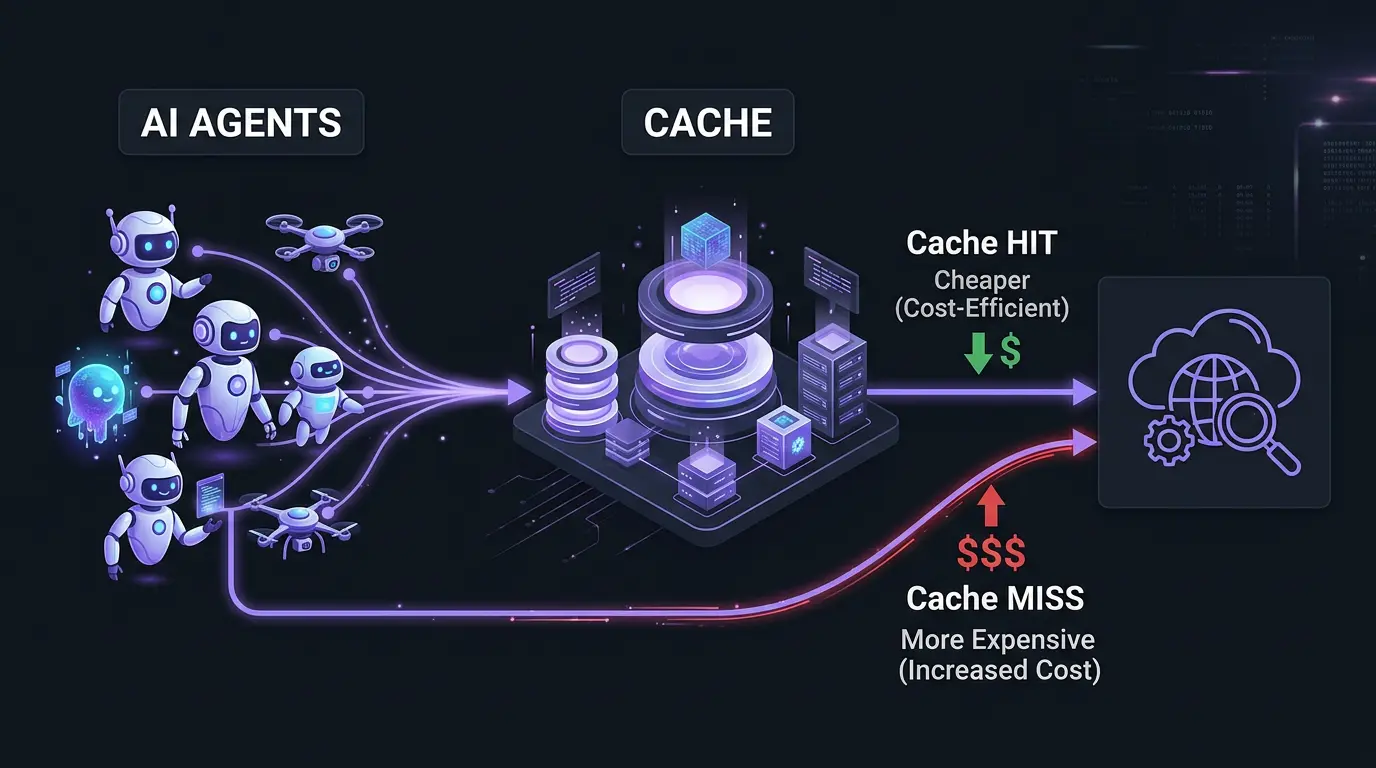
Caching is opt-in and developer-controlled. You mark a content block with cache_control: {"type": "ephemeral"}, and the system hashes the entire prefix up to that block and stores it.
On the next request, the system re-hashes at all the breakpoints in this new request. If a hash matches, you get a cache hit and cheaper processing. If not, it walks up to 20 blocks backward, recomputing hashes at each block, looking for a match. If no match is found within 20 steps, it reprocesses the whole thing.
Two hard limits to design around:
- 4 cache breakpoints per request. The four breakpoint limitation is tight. It won’t cover every scenario, but it leaves enough room for meaningful optimization.
- 20-block lookback per breakpoint. For our SOC-support agent, this is only a problem if the agent returns with more than 20 blocks, such as message blocks, thinking blocks and tool usage blocks in a single turn. But in my experience this is rarely the case.
Pricing: cache writes cost 1.25x (a 25% surcharge) with 5-minute TTL, or 2x (100% surcharge) with 1-hour TTL. Cache reads cost 0.1× (a 90% discount). For a 25-turn round where most context is cached with 5-minute TTL, you pay roughly 20% of what you would without caching. The savings compound as the conversation grows.
The 4-breakpoint layout for SOC agents
To satisfy multiple requirements and optimize for various scenarios we have to put the breakpoints at strategic locations.
Breakpoint 1 - Latest user message
Place the first breakpoint on the most recent (last) user-role block. When you send a message to Anthropic the message pattern will look like this:
- Tools
- System Prompt
- 1st User Prompt
- 1st Assistant Response (message, thinking, tools)
- …
- N-1-th Assistant Response
- N-th User Prompt <– Breakpoint 1
Since this is always the last block in the request, it marks the longest possible cacheable prefix. First turn writes it at 1.25x, every later turn reads it at 0.1x
 The behavior of two chat turns without and with caching using the defined Breakpoint 1
Breakpoint 2 - Previous user message
Bp1 is fine most of the time - but it can miss the cache. And missing the cache after 50 turns (meaning you have to resend the full 50 turns) is painful.
Walk-back limitation: Anthropic’s cache lookup isn’t a single hash check - it’s a walk-back search, and it can run out of room.
What the system does on every request, for each breakpoint:
- Start with the last breakpoint in the request and hash the whole message up to the block marked with that breakpoint.
- Look up the calculated hash in the cache. Hit? You’re done - read the data from cache.
- Miss? Step one block back, re-hash up to that block, look up again. Repeat up to 20 times.
- Still no hit after 20 steps? Try the next breakpoint. If all breakpoints miss, reprocess everything - no cache benefit in this case.
When you send a net new request and tag its last User message block with Bp1, that block won’t match what’s in the cache. This is because in the previous turn, Bp1 was pointing at a different User block. So, Bp1 of the new message (hashed right now) and the Bp1 of the previous message (that was cached and hashed in the previous turn) are not the same. Instead of calculating the hash only for the tagged block, the caching mechanism walks back one block at a time, looking for a previously cached match. Walking back 20 blocks is usually enough to find it.
But a cache miss can happen when the agent fires off a bunch of tool calls in one turn, or when the user attaches several files without tagging the last user block, pushing the new Bp1 far away from the previously cached position. In this case there can be more than 20 blocks between the cached block and the new breakpoint.
To fix this, tag two blocks in every request: the last user message of the current turn (Bp1, as before) and the last user message of the previous turn (Bp2 - a new breakpoint). The cache checker walks each breakpoint independently, so even if Bp1’s walk-back runs out of steps, Bp2 will land directly on an already-cached block (cached due to the Bp1 of the previous turn).
 Solving the 20-turn walkback limitation
Breakpoint 3 - User forking
Sometimes the agent heads down a dead end, or the analyst realizes the prompt was wrong. You want to fork: drop the last round entirely and re-send from before it started.
Removing blocks is easy. The problem is that Bp1 and Bp2 lived inside that discarded round, so they vanish with it. Now there are no breakpoints left to match and you pay full price for everything you’ve kept.
!!!TODO!!! Breakpoint 3 solves this. Place it on the last assistant response of the previous ROUND - the block that closed the prior round, just before the current one started with a new user prompt. Inside the current round, Bp1 and Bp2 keeps moving with every synthetic turn, but Bp3 stays put. When the analyst forks the current round, Bp1 and BP2 will be discarded, Bp3 survives because it sits outside the discarded blocks. Only the new user message is fresh; everything up to Bp3 stays cached.
 Pre-round caching to support cached forking/branching
Breakpoint 4
It’s common to run multiple instances of the same agent concurrently in a SOC environment for different investigations. Their user messages and the responses to them differ, so Bp1/2/3 cannot help across instances. But their Tools and System Prompt are typically identical.
A static Bp4 on the System Prompt block lets one instance write the Tools + System Prompt prefix once, and every other instance reads it at 0.1×. The conversation-specific part stays full-price per instance, but the shared prefix becomes effectively free (90% discount).
Since Tools and System Prompt always sit at the start of the request in Athropic’s message, a single breakpoint on the System Prompt block covers both.
 System Prompt breakpoint
Breakpoints
| Position | Purpose | Update freq | |
|---|---|---|---|
| Bp1 | Latest user-role block | Longest prefix - biggest cost save during normal work | Every turn |
| Bp2 | 2nd-latest user-role block | Direct-hit anchor to resolve the 20-block walk-back limit | Every turn |
| Bp3 | Last (assistant) block of the previous round | Fork anchor - enables cheap restart | Every round |
| Bp4 | System prompt | Covers tools + System instructions. Stable across agent instances | Never |
Bp 1 and Bp 2 form a sliding pair that advances one turn at a time. Bp 3 is being updated every time a new agentic round starts and Bp 4 is never being updated.
Practical recommendations
These pair well with the breakpoint layout above — just adapt them to your environment:
- Implement the 4-breakpoint sliding layout. The engineering cost is a one-time investment. The savings compound on every investigation.
- Use 1-hour TTL on Bp 4 (Tools + System Prompt). These values rarely change, not per-request. Worth the extended-cache premium (2x).
- Send keepalive requests during analyst review. While the analyst reads the writeup, re-send the full message every ~4 minutes with a capped response token limit. This keeps the cache warm and avoids cold-start penalties when the next round begins.
- Alert on cache miss ratios. If
cache_read_input_tokensdrops below a certain threshold of total input during mid-round iterations, a breakpoint has drifted or a tool is returning unexpectedly large results. - Compact Carefully. Compaction is sometimes necessary, but it can lose information and invalidates cached data. Tools and the System Prompt aren’t compacted, so Bp4 will provide value either way.
- Cached System Prompt allows cheap initial input. If you cache the System Prompt you can store more data there for the same price overall because reading the cache is cheaper. Because of this, hardcoding otherwise-static context - like your SIEM’s table schema - is often cheaper than fetching it through a tool call.
Get these four breakpoints right and a 25-turn investigation costs roughly what a 3-turn conversation would. Get them wrong and multi-turn agents are economically dead on arrival.